AI video editor for creators
Hit record once. Post all week.
Drop a raw take. Flinzo cuts the dead air, captions every word and builds the motion graphics — cards, counters, punch-ins, inserts. Then change anything by asking in plain words.
- From $19/mo
- 1080p and 4K export
- 12 caption styles
- Cancel anytime
The studio
Talk to it like an editor. Watch it cut.
Scroll and watch one podcast become a week of posts: transcript, cuts, the best moment, 9:16 reframe, captions and motion graphics — each request is one step you can undo.
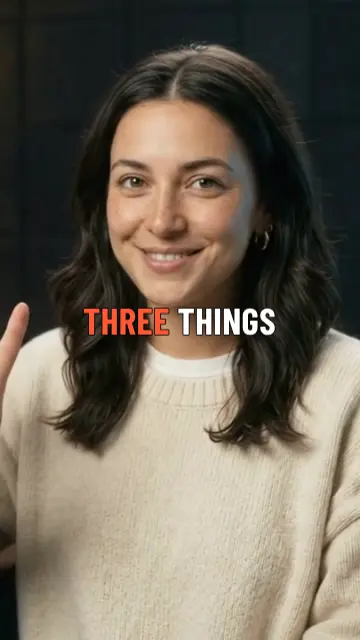
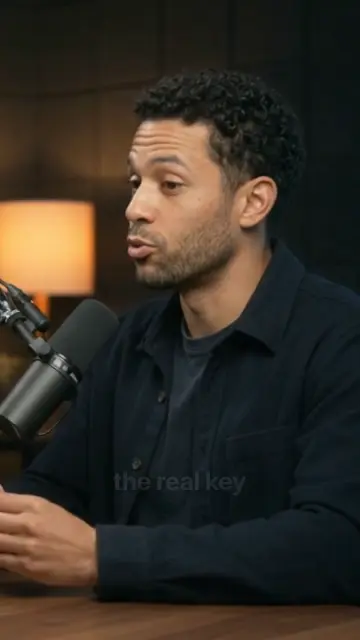
A real podcast recording plays in the editor on the left; the agent chat is on the right. You ask the agent to turn the episode into a week of posts. As you scroll, it transcribes the speech, cuts a retake and a long pause, marks the best moment, reframes the shot from horizontal to vertical while tracking the speaker’s face, captions every word, adds motion graphics — a paper title card with a chip for each of her three points, a “Every day → Once” card and the week’s clips fanning out — and checks the frame. The preview, timeline and chat change with every step.
Caption style
Look



Made with Flinzo
Finished reels. Straight out of Flinzo.
Every clip below is the edit itself: captions in their own style, motion graphics, counters, inserts and punch-ins. Muted on this page, ready to post.
Real estate tour
Location pin · price counter · feature cards · serif captions
Fitness tip
Shout captions · 2 h → 30 min · focus ring · punch-ins
Street interview
Name plate · gold serif captions · timeline graphic
Beauty · skincare
Split canvas · product counter · karaoke captions
Travel vlog
Location pin · itinerary strike · route · editorial captions
Founder story
Pill captions · strike card · user replies as chat
Pricing
Pay for the AI work. Exports are on us.
Credits pay for analysis, AI edits and chat changes — you see the exact cost before anything runs. 1080p exports, manual edits and re-downloads cost nothing.
Starter
For posting a few times a week.
$19/ month
Choose Starter$19/month, billed monthly. Renews automatically until you cancel. Cancel anytime in Account — one click, no retention screen, no deadline.
- 200 credits a month
- Videos up to 20 min
- 1080p · 30 fps · no watermark
Creator
RecommendedFor creators posting every day.
$39/ month
Choose Creator$39/month, billed monthly. Renews automatically until you cancel. Cancel anytime in Account — one click, no retention screen, no deadline.
- 500 credits a month
- Videos up to 60 min
- 1080p · 60 fps · no watermark
Pro
For long podcasts, clients and 4K.
$79/ month
Choose Pro$79/month, billed monthly. Renews automatically until you cancel. Cancel anytime in Account — one click, no retention screen, no deadline.
- 1,000 credits a month
- Videos up to 120 min
- 4K · 60 fps · no watermark
- Brand kit
No free tier and no trial. 7-day money-back guarantee on your first payment if you have used 10% or less of your monthly credits. Once per customer. Sales tax is added where applicable, and shown before you confirm payment. Need more? Credit packs: 100 for $12 · 300 for $30 · 1,000 for $99. Compare every detail
FAQ
Straight answers.
Billing has its own page. See pricing details
Is there a free plan or a trial?
No — every plan is paid from the first month. Instead of a trial, your first payment has a 7-day money-back guarantee if you have used 10% or less of your monthly credits.
Read the refund policyWhat does a credit buy?
Credits pay for AI work: 1 credit per minute of footage to upload and analyse it, 5 per minute for an AI edit with three versions to pick from, and 1 for a quick chat edit. You see the exact cost before anything runs. Manual edits and exports up to 1080p are free.
See plans and credit packsWhat if something fails?
Credits come back automatically when we fail you: a job that errors out, a project where no clip can pass its quality checks, or processing that runs too long. No ticket, no waiting.
Can I upload videos I didn’t make?
Only if you have the rights to edit them. You confirm this for every upload, and you must be 18 or older to sign up. Links from YouTube, TikTok, Instagram and other platforms are refused — upload the file, or paste a direct link to a video file you own.
Why we askDo you train AI on my videos?
No. Your footage is used to make your clips and nothing else. Deleting a project deletes its footage.
Read the privacy noticeWhat can I upload, and what do I get back?
MP4, MOV, MKV, WEBM, M4V, AVI files, with footage up to 20 min on Starter, 60 min on Creator, 120 min on Pro per video. Clips come back vertical 9:16 by default — 1:1, 4:5 and 16:9 too — as MP4 without a watermark.
How do I cancel?
One click in Account → Billing, with no retention screen. Plans renew monthly until you cancel, and you keep your plan until the end of the period you paid for.
Billing details